
AVIF vs WebP: File Size and Browser Support Tested
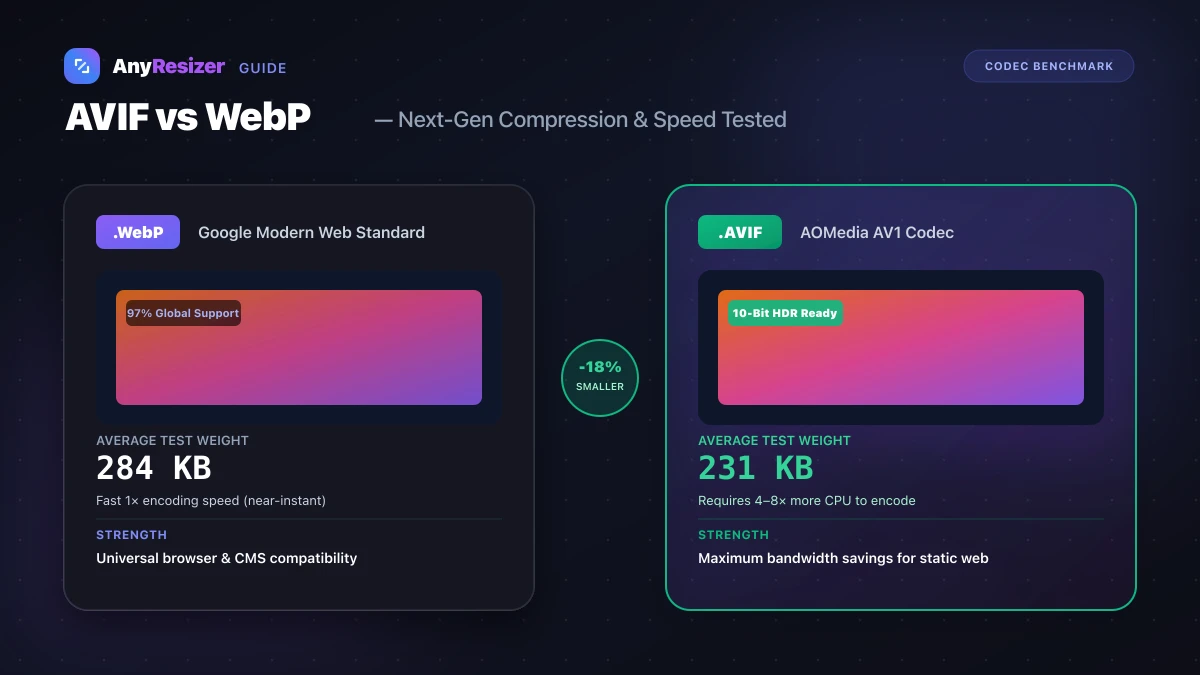
Both AVIF and WebP are modern image formats created to replace aging JPG and PNG files on the web. While WebP arrived first and gained universal browser adoption, AVIF offers newer compression technology derived from the AV1 video codec.
Here is how the two formats compare in compression tests, browser support, and real-world website performance.
How AVIF and WebP Differ
WebP was created by Google using compression techniques from the VP8 video standard. AVIF was created by the Alliance for Open Media (AOMedia) using the open-source AV1 video standard.
Both formats deliver modern capabilities:
- Lossy compression for photographic content
- Lossless compression for graphics and screenshots
- 8-bit alpha transparency channels
- Animation support (replacing heavy animated GIFs)
AVIF takes compression a step further by supporting 10-bit and 12-bit HDR color depth, whereas WebP is limited to standard 8-bit color. If you are comparing both against traditional formats, check our JPG vs PNG vs WebP benchmark.
Compression Benchmark: 5 Photos Tested
We compressed five high-resolution test photos (1920×1080 pixels) to both formats at matched perceptual quality (SSIM index ~0.96):
| Image Subject | Original JPG | WebP Output | AVIF Output | AVIF Savings vs WebP |
|---|---|---|---|---|
| Mountain Landscape | 1,420 KB | 284 KB | 231 KB | 18.6% smaller |
| Portrait with Bokeh | 890 KB | 178 KB | 142 KB | 20.2% smaller |
| Urban Architecture | 1,650 KB | 340 KB | 288 KB | 15.3% smaller |
| Macro Flower Detail | 1,120 KB | 225 KB | 185 KB | 17.7% smaller |
| Low-Light Night Scene | 1,350 KB | 290 KB | 238 KB | 17.9% smaller |
Across all five photographic subjects, AVIF saved an average of 18% more storage space than WebP without noticeable loss of detail.
Encoding Speed and CPU Overhead
The primary trade-off with AVIF is processing speed. Encoding an image to AVIF requires between 4× and 8× more CPU time than encoding the same image to WebP.
This matters when:
- Your web server generates images on demand
- You upload large batches of photos from a mobile device
- You run automated build pipelines on cloud platforms with compute limits
For real-time generation, WebP remains the practical choice. For static assets where you compress once and serve millions of times, AVIF delivers measurable bandwidth savings.
Browser Support Status
Every major desktop and mobile browser now supports both formats:
- WebP: 97% global browser support (all modern browsers + legacy Safari 14+)
- AVIF: 93% global browser support (Chrome 85+, Firefox 93+, Safari 16.4+, Edge 121+)
For older browsers that lack native AVIF decoders, websites use the HTML <picture> element to offer AVIF with a WebP fallback.
When to Use Each Format
Choose AVIF when:
- You want the smallest possible file sizes for mobile users
- You display HDR photography with wide color gamuts
- Bandwidth costs are your primary infrastructure priority
Choose WebP when:
- You need rapid image generation without server bottlenecks
- You need files to open without extra codecs in older desktop graphics editors
- You want a single lightweight web format without managing fallback tags
If you run into programs or desktop tools that refuse to display your exported WebP files, see our guide on why won't my WebP image open.
If you have downloaded AVIF files that your computer cannot open, you can convert them back to standard JPG format right in your browser.
Frequently asked questions

The AnyResizer editorial team benchmarks image codecs, compression ratios, and web graphic formats using in-browser WASM and Canvas engines.
Related guides
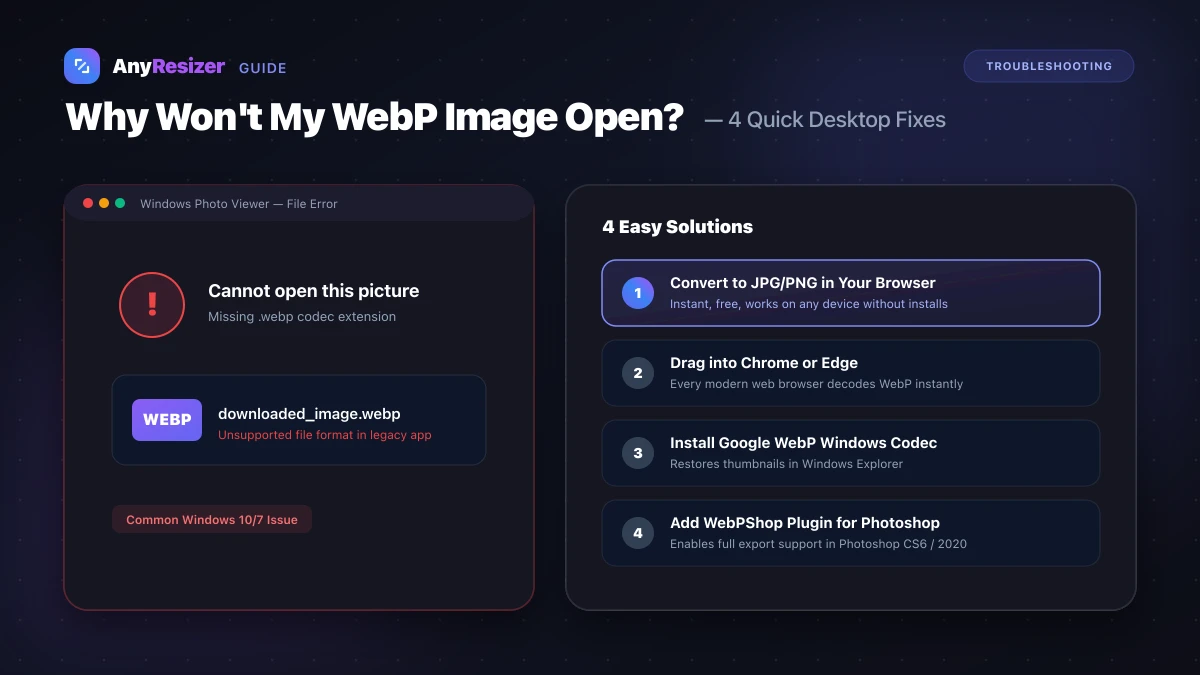
Why Won't My WebP Image Open? 4 Easy Fixes
Learn why your computer or image editor can't open WebP files, and 4 quick fixes to view or convert WebP images back into JPG or PNG.
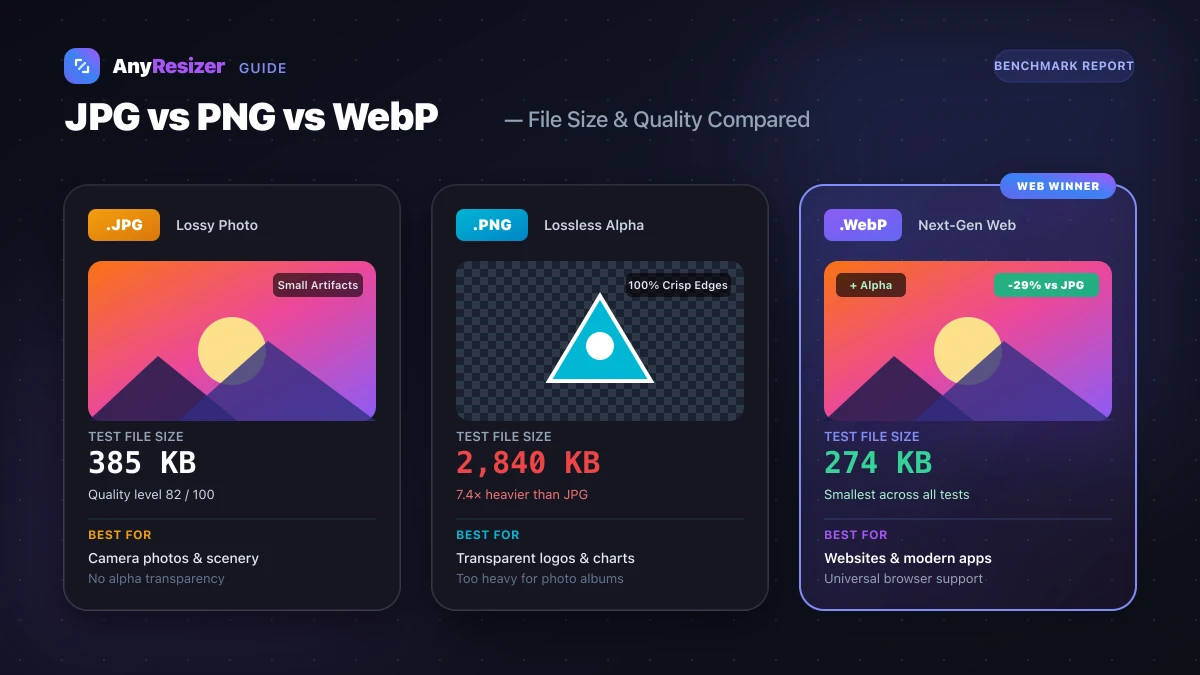
JPG vs PNG vs WebP: Which Image Format Should You Use?
Compare JPG, PNG, and WebP for photos, transparency, and website speed. See real test results and size benchmarks for all three formats.
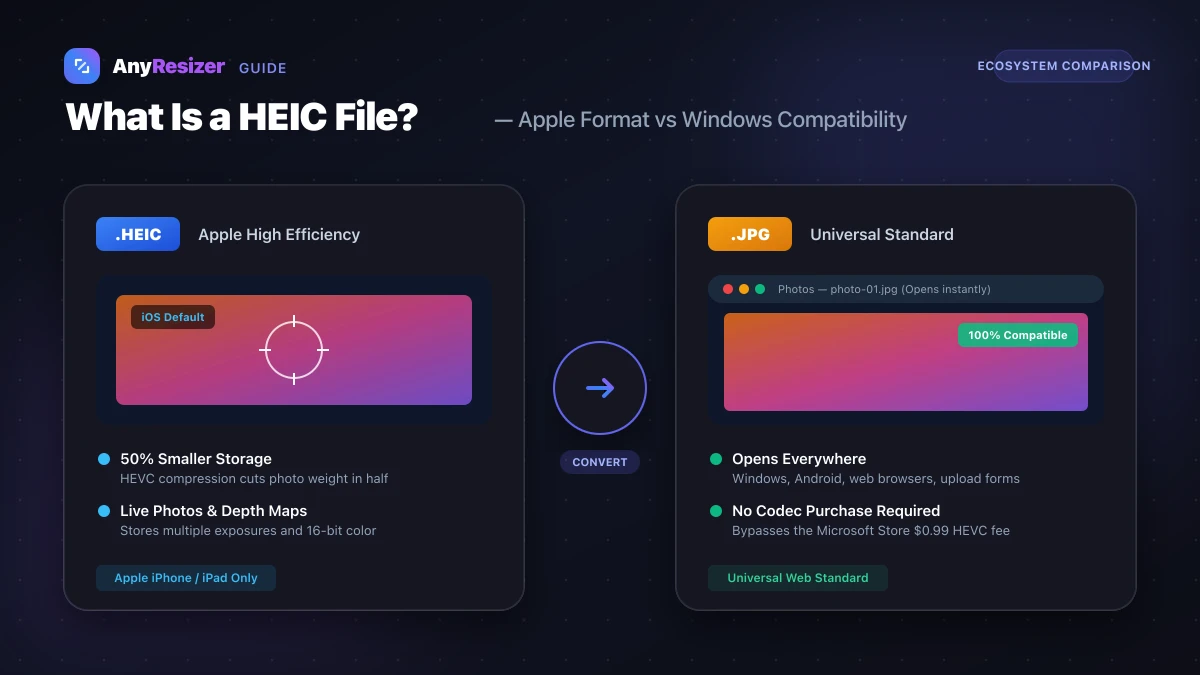
What Is a HEIC File? How to Open and Convert It on Windows
Learn what HEIC files are, why Apple uses them, why Windows can't open them by default, and how to convert HEIC to JPG for free.